getting-started
How to Start a Video Journal Without Making It a Performance
Start a private video journal with one short recording, a simple prompt, and a seven-day plan that does not require editing, perfect lighting, or daily perfection.
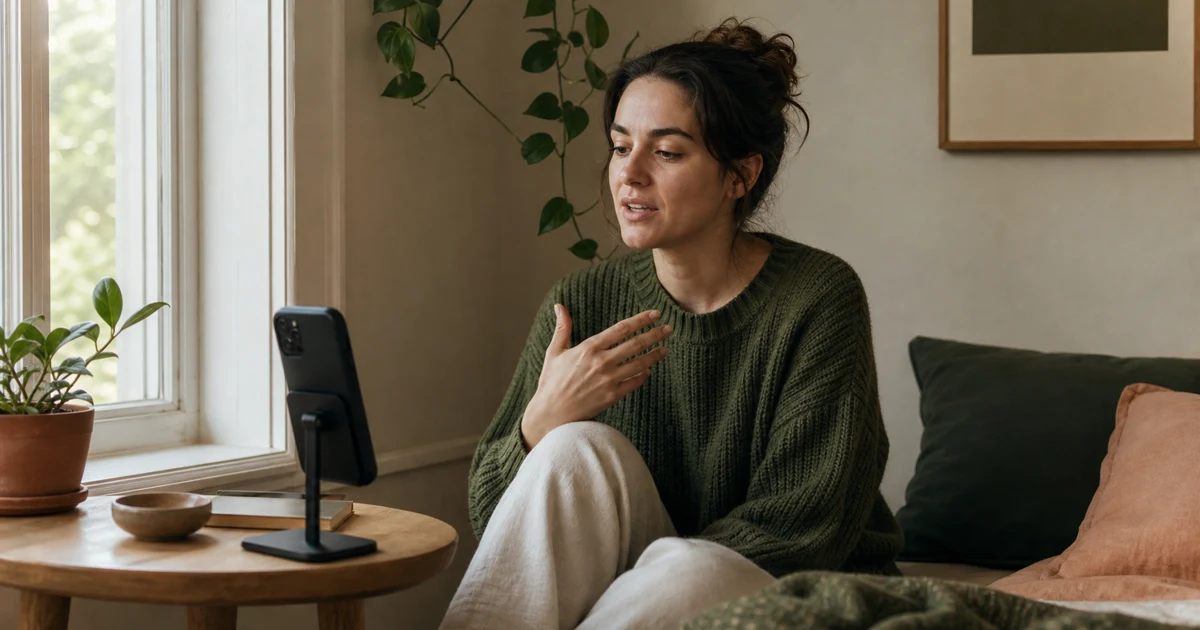
To start a video journal, choose one reason for keeping it, record a short entry in a private place, and speak as if you were explaining the day to your future self. Skip the script and the editing. Your first recording only needs to answer three questions: What happened? How did it feel? What do you want to remember?
The phrase "video journal" can make a simple habit sound like a small production company. It is not a vlog. You do not need a ring light, a posting schedule, or a cleaner bedroom. A private video journal is a record for you. The pauses, unfinished sentences, and ordinary background are part of the record.
Decide what you want the journal to hold
Starting is easier when the journal has one job. "Document my entire life" is not one job. Pick a smaller reason that would make tomorrow's recording obvious.
You might want to:
- remember ordinary weeks that otherwise blur together;
- talk through a decision without turning it into a polished essay;
- notice how your mood changes around a project, move, or new routine;
- leave small messages for your future self;
- keep the voice and expression that written notes leave out.
You can change the purpose later. For the first week, one purpose is enough.
The Cambridge definition of a video diary focuses on recording thoughts, feelings, or experiences over time. "Over time" matters more than cinematic quality. One honest minute today and another next week already create something a single polished clip cannot: a comparison.
Make the first entry deliberately small
Put the phone somewhere steady and use the front camera. Sit where you can speak without worrying that someone is listening. Then record for somewhere between thirty seconds and two minutes.
Use this prompt:
Today, the thing I keep thinking about is...
If nothing follows, answer these instead:
- What happened?
- How did I react?
- What detail will be easy to forget?
Stop when you have said the thing. Do not add a conclusion because the red recording indicator makes silence feel awkward. This is a journal entry, not a presentation.
You also do not need to watch it immediately. Replaying yourself can make a new habit feel more self-conscious than useful. Save the entry, note the date, and let it be imperfect.
Use this seven-day starter plan
This plan alternates recording with lighter days. The point is to discover what you actually want to keep, not force seven consecutive performances.
Day 1: explain why you are starting
Record one minute about what written journals, voice notes, or memory alone have not been giving you. This is a medium-general step: any camera app can capture it.
Day 2: keep one ordinary detail
Record something too small for a highlight reel: the sound outside your window, a sentence someone said, the meal you keep making, or why the commute felt different. Ordinary details become useful because they are usually the first to disappear.
Day 3: do not record
Notice whether you think of something you wish you had captured. Write the prompt down or leave yourself a reminder. A skipped day is information, not a broken streak.
Day 4: name the feeling after the story
Describe what happened before choosing a mood word. Context first prevents a label such as "stressed" or "good" from flattening the whole entry. If your video-journal app supports mood tags, add one after recording rather than making the tag the script.
Day 5: speak to a specific future version of you
Try: "When I watch this in a month, I want to remember..." A clear audience makes speaking easier, even when that audience is only you.
Day 6: record the unresolved version
Talk about something before you know how it ends. Resist the urge to turn it into a lesson. The unfinished version is often the part hindsight edits out later.
Day 7: revisit one entry
Watch the first recording once. Notice what the video kept that text might not have: pace, energy, hesitation, expression, or the room around you. Then decide whether you want the next revisit in a week, a month, or not on a schedule at all.
This seven-day protocol is intentionally low-pressure. The recording steps work in any private camera workflow. Mood tags, reminders, and calendar retrieval depend on the app you use.
Choose a private place to keep it
Privacy is not a mood. It is a set of decisions.
Before recording anything sensitive, check:
- whether the videos are stored only on the device or synchronized to a cloud account;
- who can unlock the phone and the app;
- whether entries can be shared accidentally;
- whether the product has a public profile, feed, or follower system;
- what the privacy disclosure says about analytics and account data.
A private journal should not be confused with a promise that no data is collected. Those are different claims. Read the product's disclosure instead of relying on a lock icon and a calming shade of green.
If you use the regular Camera app, decide how you will separate journal recordings from the rest of your photo library and how you will find them later. A dedicated app can reduce that organizational work, but it still deserves the same privacy check.
How Vidiary fits this workflow
Vidiary is an iPhone video diary built for the camera-first version of this habit. You record a private entry instead of writing a long page, can optionally name it and add mood tags, and can return to older entries through a calendar. Configurable reminders can provide a cue when you want one.
Journal videos use your iCloud and CloudKit container rather than a public feed. Vidiary also uses product analytics and RevenueCat for subscriptions, so the precise promise is a private place for journal videos, not "no data collection."
The app is useful if the main friction is the blank written page. It is less useful if you prefer searching exact sentences, editing ideas into careful prose, or keeping a lightweight archive with tiny files. Video and writing solve different problems.
Common questions before starting a video journal
How long should a video journal entry be?
Long enough to say what you wanted to keep. Thirty seconds can capture one detail; a difficult decision may take ten minutes. Start short because it lowers the cost of returning. Do not stretch a finished thought to hit an arbitrary target.
Do I need to record every day?
No. Daily recording can help you learn the habit, but missing a day does not damage the journal. A weekly entry you actually keep is more useful than a daily rule that turns reflection into homework.
Should I script a video journal?
Use a prompt, not a script. Three bullet points can help when your thoughts are tangled. Reading a polished paragraph usually removes the voice, pauses, and spontaneous details that make video worth using.
Is a video journal the same as a vlog?
Not necessarily. A vlog is usually made for an audience and may involve editing and publishing. A video journal can stay entirely private. The camera is the same; the job is different.
Browse the Vidiary video-journaling guides when you want another prompt or a more specific workflow. For now, one honest recording is enough.