getting-started
How to Record Your Life Story in Eight Chapters
Turn a lifetime into small, recordable scenes with an eight-chapter map, simple prompts, useful labels, and a separate preservation plan.
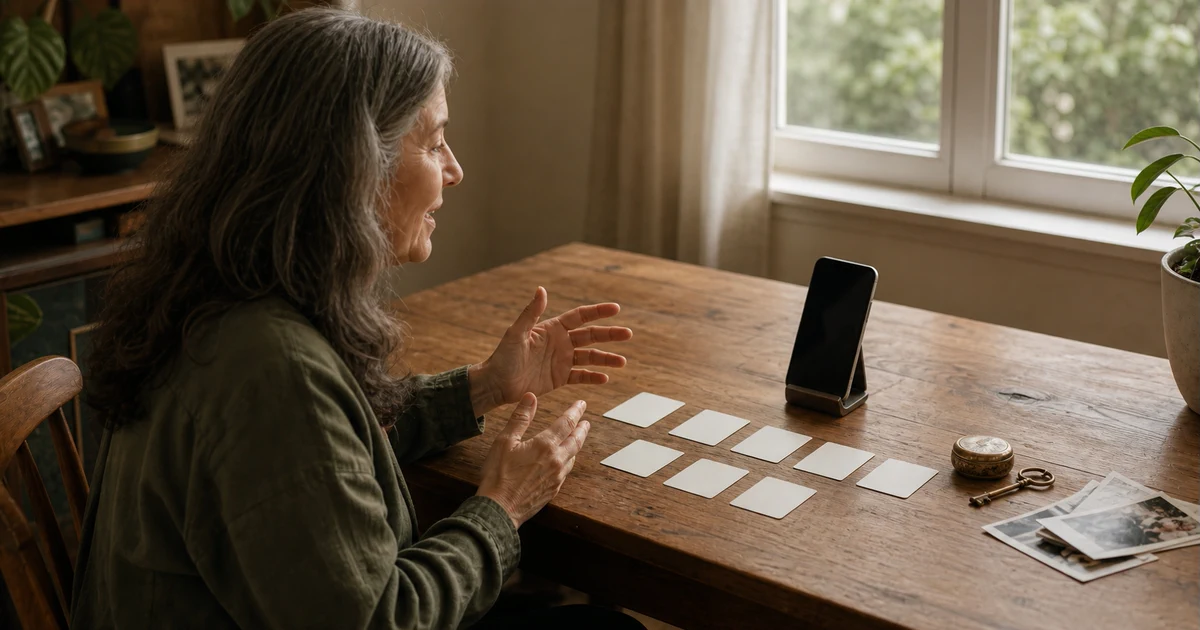
Record your life story as a set of small scenes, not one long autobiography. Sketch a simple chronology, divide it into eight chapters, choose one scene from one chapter, answer one open question, and label the recording so you can find it later. Recording is only the first job; long-term preservation needs its own plan.
Trying to tell your whole life from birth to today is enough to make the record button feel ridiculous. "Tell my life story" has no natural stopping point. "Describe one ordinary dinner in the house where I grew up" does.
The goal is not a documentary film or a perfect account of every year. It is a collection of first-person memories in your own voice. Some dates will be approximate. Some chapters will have gaps. You are allowed to skip details that belong to other people or that you do not want on camera.
Start with a map, not a memoir
The Smithsonian Institution Archives' oral-history guide recommends preparing a chronology, names, places, photographs, and topic areas before an interview. It also favors open-ended questions and first-person recollections over yes-or-no prompts or stories the narrator only heard from someone else.
For a self-recorded life story, make that preparation much smaller. Draw a line from your earliest family stories to the present. Mark homes, schools, jobs, relationships, moves, losses, decisions, and public events that changed your daily life. This is an index of possible scenes, not a script.
You do not have to record in chronological order. Start with the memory that already has a room, a person, and a moment attached to it. Once that scene exists, the timeline will show you what could come next.
A practical life-story project has three separate jobs:
- Capture: record the memory while you can describe it in your own words.
- Organization: give the recording enough context to be found and understood later.
- Preservation: keep copies outside the capture workflow and maintain them over time.
One app or recording session does not have to solve all three.
An eight-chapter map for recording your life story
This map adapts the Smithsonian's topic areas into eight self-recorded chapters. It is an original structure, not an official Smithsonian template. Each question asks for one scene rather than an entire era.
| Chapter | Start with this question | Keep one detail |
|---|---|---|
| 1. Before you | What family story best explains where you came from? | A name, tradition, journey, object, or phrase that survives in the family. |
| 2. The home that formed you | What did one ordinary day in your childhood home look and sound like? | A room, meal, route, game, pet, or neighborhood sound. |
| 3. School and early possibility | Which teacher, class, friend, or childhood dream changed what you thought was possible? | The moment before and after your view changed. |
| 4. Work and craft | What did your first meaningful job teach you that the job title leaves out? | A task, mentor, mistake, customer, or typical workday. |
| 5. Relationships and belonging | When did one person or community begin to feel like home? | The first meeting, shared routine, disagreement, or small act you remember. |
| 6. Moves and turning points | Which move, decision, or outside event changed the direction of your life? | What daily life was like immediately before and after it. |
| 7. Hard seasons and changed values | Which difficult period changed what you value? | Only the part that is yours to tell. Decide what stays off camera first. |
| 8. Life now and the listener ahead | What should someone watching years from now understand about your life today? | One ordinary fact that may not remain ordinary. |
The chapters are containers, not assignments. One chapter may need five recordings. Another may stay empty. A family origin you cannot verify can be introduced as a story you were told, while your own memories should be described as what you remember. That small distinction keeps the record honest.
If a question feels too large, narrow it again. Replace "What was school like?" with "Where did you sit at lunch when you were twelve?" Replace "Tell the story of your career" with "What happened on the first morning of the job that changed everything?"
Record one scene in one session
Use the same five-step loop whenever you add a chapter.
1. Choose the listener
Decide whether you are speaking to yourself, one named person, your family, or an unknown future listener. This affects how much context you need. Your sibling may know who Aunt Marta was. Someone watching in fifty years may not.
2. Choose one scene
Pick a moment with a place and an action. "The summer we moved" is still broad. "The first breakfast in the new flat" gives you somewhere to begin.
3. Use one open question
Start with "Tell me about," "What do you remember about," or "How did that happen?" The Smithsonian guide recommends open-ended questions because they leave room for the narrator's own sequence and emphasis.
When you record yourself, say the question aloud or keep it beside the camera. Do not write the answer first unless careful wording is the point. A short outline of names and dates is enough.
4. Record the bounded version
Say who you are, the recording date, the approximate period you are remembering, and the scene. Then tell it once. Pauses are allowed. If you remember a date differently halfway through, correct it in the recording instead of starting again.
Stop after the scene. You can return for the next memory without forcing this one to produce a lesson.
5. Verify and name it
Play enough of the recording to confirm that the picture and sound work. Then give it a name with four clues when you know them:
Age 19 - first week at the bakery - Gdansk - recorded 2026-08-21
The date of the memory and the date of the recording are different facts. Keeping both prevents a future listener from guessing.
Label the recording while the details are fresh
An unlabeled folder of life-story videos becomes difficult to use long before it becomes large. The Smithsonian guide recommends descriptive file names, a short summary, and names or subject terms for indexing after an interview.
For a small personal project, keep a simple index with:
- recording title;
- recording date;
- approximate date or age inside the story;
- people and places mentioned;
- one-sentence summary;
- corrections or access limits someone should know.
The index can be a plain document or spreadsheet. It does not need to become another memoir. Its job is to answer, "Which recording contains the bakery story?" without playing six hours of video.
If you later remember that the shop opened in 1998 rather than 1997, add a correction. Memory is not a database. Preserving the original account and a later correction is more honest than silently editing the past until it looks certain.
Keep capture and preservation separate
Cloud sync can make recordings available across devices. That does not by itself create a long-term family archive.
The Library of Congress guidance for personal digital video recommends selecting important videos, keeping descriptive information, making at least two copies, and storing them in different places. It also recommends checking saved files at least once a year and moving them to current media roughly every five years or when necessary.
For a life-story project you want other people to inherit:
- Keep the highest-quality important version you can access.
- Store a copy of the index with the videos.
- Keep at least two copies in different places.
- Open a sample every year to make sure the files still play.
- Move the collection when storage hardware, accounts, or file support changes.
Choose a capture workflow that lets you complete that handoff. Do not assume that an account, app, sync service, or phone will remain available forever. If you cannot export the original recording, it should not be the only home of a family archive.
Where Vidiary fits
Vidiary is an iPhone video diary for the private, self-recorded part of this project. You can record a spoken chapter, optionally name the entry, and return to it later from a date-based calendar. It is useful when your voice and expression are part of the memory and you would rather talk than compose a written autobiography.
Vidiary is not currently a transcription service, searchable oral-history database, scheduled-delivery tool, or permanent family archive. Its current production code does not provide a verified export workflow for journal videos. Use it as the private capture and revisit step only if that matches your project, then keep preservation as a separate requirement.
Journal videos use your iCloud and CloudKit account and are not posted to a public feed. Vidiary also uses product analytics and RevenueCat for subscriptions, so review the current privacy disclosure before recording sensitive family material. The private video-diary checklist covers device access, account security, copies, and analytics in more detail.
Common questions about recording your life story
How do I record my life story if I do not know where to start?
Start with the easiest scene to picture, not your birth. Choose one room, person, ordinary routine, or turning point and answer one open question about it. Add the recording to a rough chronology afterward. Beginning in the middle is better than waiting for the perfect opening.
Should I record my life story in chronological order?
Use chronology to find gaps and label recordings, but record in the order that helps you speak. You can start with a recent move, return to childhood, and add the first job later. Dates help the listener; they do not have to control the creative process.
Is audio or video better for a life story?
Use audio when a camera makes you perform or when a smaller file and simpler setup matter. Use video when expression, gesture, appearance, or the room belongs to the memory. The video journal versus written journal guide compares what different formats keep and what they make harder to retrieve.
Can Vidiary be my permanent family archive?
Do not treat it as the only archive. Vidiary currently supports private video capture, optional entry names, and date-based revisiting, but it does not prove export, scheduled delivery, transcription, or archival permanence. For recordings meant to outlive a device or account, use a workflow that gives you independent copies and follow a separate preservation plan.
If private video is the format that fits, record one short chapter with Vidiary and give it a name you will recognize later. Use the seven-day video-journal guide if you want a smaller first session.