getting-started
How to Journal Without Writing: Pick the Format That Fits
Find a journaling format that matches what makes writing difficult, with an honest guide to audio, photos, quick check-ins, and private video.
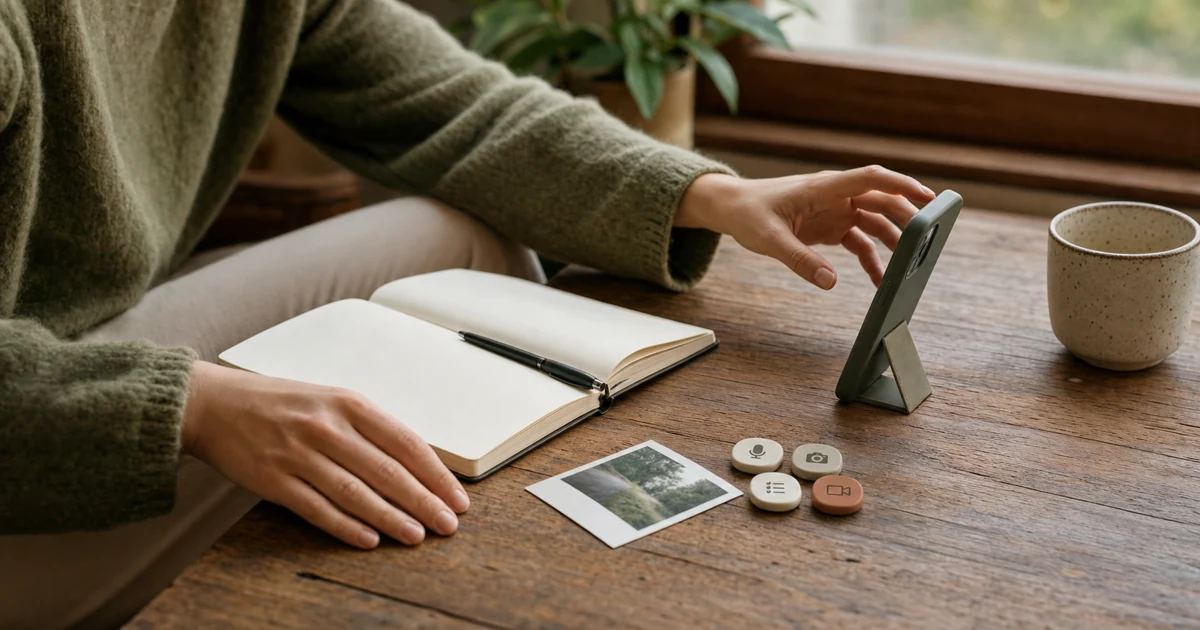
You can journal without writing by recording audio, keeping a photo log, making a one-tap check-in, or speaking to a camera. Do not choose by asking which method counts as "real" journaling. Start with what makes writing difficult, then pick the lightest format that keeps the part of the moment you will care about later.
That choice matters because "I hate writing" can mean several different things. Maybe a blank page gives you no starting point. Maybe handwriting is slow, a polished notebook makes you self-conscious, or paper is impossible to search. Audio fixes some of those problems. Photos, short check-ins, and video fix others. Each format solves a different problem.
First, find out why writing is failing
Before downloading another journal app, notice the exact moment the habit falls apart.
A first-person account published by Zapier names three separate problems: paper was hard to organize and search, the author's handwriting was difficult to read, and an open journal did not provide a clear purpose. Those are not one problem. A voice recording helps with handwriting, but it may make retrieval worse if you need to find an exact sentence six months later.
Other accounts add different kinds of friction. One writer describes freezing over where to begin, tearing out pages that looked wrong, and lacking the energy for a long entry. A direct community post about journal perfectionism describes abandoning a notebook when the handwriting or page looks messy.
Ask yourself which sentence feels closest:
- I do not know what to say.
- My hand or typing cannot keep up with my thoughts.
- I keep trying to make the page look good.
- I only have a few seconds or very little energy.
- Words leave out the part I want to remember.
- I need to find exact details later.
- The subject itself feels too difficult.
The last one is important. A microphone does not automatically make a difficult subject easier. You can record one factual detail, choose a lighter subject, or skip the entry. A journal is allowed to have boundaries.
Match the format to the problem
If you do not know what to say
Start with one prompt instead of another empty canvas. Answer "What changed today?" or "What do I want to remember tomorrow?" in audio or video. Keep the same prompt for a week so choosing a question does not become the new blank page.
This branch is about structure, not media. A current voice-journaling guide also relies on prompts when words do not come easily. Speaking can reduce the work of composing sentences, but it cannot decide what deserves an entry.
If handwriting or typing gets in the way
Start with audio. It removes penmanship and lets you speak at your own pace without watching yourself. Choose video only when your expression or surroundings are part of what you want to keep.
If you know you will need to search the exact words later, use a tool that creates a transcript. A folder of long recordings can become its own kind of friction.
If the page has to look right
Try a format with no page to arrange. An audio entry has no handwriting, margins, crossed-out words, or expensive notebook to "ruin." Private video can work too, but only if the camera does not replace page pressure with performance pressure.
Do not turn the alternative into another craft project. The aim is to make an entry, not design a better container for avoiding one.
If you only have a few seconds
Save one photo when the scene is the point. Use a one-tap mood or state check-in when you only want to notice a pattern. Record a short audio or video note when one sentence of context matters.
The current broad guides to journaling without writing include photos, screenshots, songs, quotes, and other collected material. That is a useful reminder: a journal entry can be evidence of a day, not an essay about it.
If words leave out what matters
Choose based on the missing context:
- A photo keeps the room, object, person, or visual change.
- Audio keeps your voice and pace without requiring a camera.
- Video keeps voice, expression, and the surrounding scene together.
- A short check-in keeps a simple state that is easy to compare later.
This is the branch where video has a clear job. It is not "richer" in every situation. It simply keeps more visible and audible context, with larger files and slower review as the tradeoff.
If organization and search matter most
Pick searchable text, speech-to-text, structured fields, or a deliberately organized photo album. Do not choose video merely because talking is easy if your real goal is to retrieve a name, quote, date, or decision in seconds.
The right capture format and the right archive format may be different. You might speak an entry and keep a short searchable summary. That still counts as journaling without sitting down to write prose.
Compare four ways to journal without writing
| Format | Best when | What it keeps | Main tradeoff |
|---|---|---|---|
| Audio | You think aloud and do not want a camera | Voice, pace, pauses | Slow to scan unless the tool adds a transcript |
| Photos | The visual moment matters more than the explanation | Place, people, objects, change over time | Thoughts and context may be unclear later |
| Short check-ins | You want a tiny habit or a pattern | A mood, state, rating, or one chosen detail | Little narrative context |
| Video | Voice, expression, and surroundings all matter | The spoken and visible moment together | Camera comfort, privacy, storage, and review time |
There is no need to pick one forever. Use a photo for the changed view from your window, audio for a thought on a walk, a check-in for a day with no story, and video when you want to remember how you said something.
Test one format for three entries
Do not start with a daily commitment. Make three entries with one format:
- Keep one ordinary moment.
- Capture one thought that is still unfinished.
- Record one thing you expect to forget.
Then review all three. Ask:
- Was starting easier than opening a blank page?
- Did the format keep the part I cared about?
- Can I find and review the entry without creating extra work?
- Did the tool feel private enough for what I recorded?
If one answer is no, change the format before blaming your discipline. You may discover that audio is easy to create but annoying to revisit, or that photos are pleasant to review but lose too much meaning. That is useful evidence.
If video wins the test, the existing seven-day video-journal guide gives you a low-pressure way to continue without turning the camera into a performance.
Where Vidiary fits
Vidiary is an iPhone video diary for the branch where you would rather talk than compose a long written entry. You record a video, can optionally name it and add mood tags, and return to past entries by date.
It is not the best match if you want an audio-only journal, photo scrapbook, automatic transcript, or exact text search. It also will not remove camera discomfort. In those branches, choose the simpler format that solves the actual problem.
Vidiary stores journal data through your iCloud and CloudKit container and does not have a public feed. Product analytics and subscription services are still part of the app, so check the privacy disclosure before recording anything sensitive. The useful distinction is private journal videos versus public posting, not an absolute promise about every kind of data.
Common questions about journaling without writing
Does a journal have to contain words?
No. A dated series of photos, sketches, mood check-ins, saved sounds, or short clips can preserve a personal record over time. Words are useful when the meaning will not be obvious later, but they do not have to be the main material.
Is voice journaling as useful as writing?
It is useful for a different job. Voice is fast and keeps tone and pauses. Writing is easier to scan, edit, quote, and search. Choose voice when capture is the problem; choose searchable text when retrieval is the priority.
What can I use if I do not want to hear or see myself?
Try a photo log, a one-tap check-in, a collage, or a small collection of objects and links from the day. You can also dictate and keep only the transcript if listening back feels awkward.
How private is a journal kept on a phone?
That depends on the app, account, device lock, cloud settings, sharing controls, and analytics disclosure. "Private" should tell you who can see the entry and where it goes. Check those details before recording anything you would not want another person to access.
If video is the branch that fits, start with the seven-day guide and then see how Vidiary works. If it is not, keep the decision tree and choose the format you will actually use.